How it works
From a blank page to an Excel workbook, in the order an analyst actually decides things.
- 1
1. Start the model — three ways
The guided wizard asks about the business and lays out a model from your answers: what kind of business it is, its currency and language, how much history and how far forward, one entity or several business units, which combinations of units you want to analyze, which inflation, FX and interest indexes drive it, whether you need alternative scenarios, which statements it should produce, and which charts. A template answers those same questions for you with a working model for a general-purpose, industrial or services business. A blank model leaves every answer open. And if you already have a model here, you can simply open it from Excel or YAML.
- 2
2. Shape it — and let it check your work
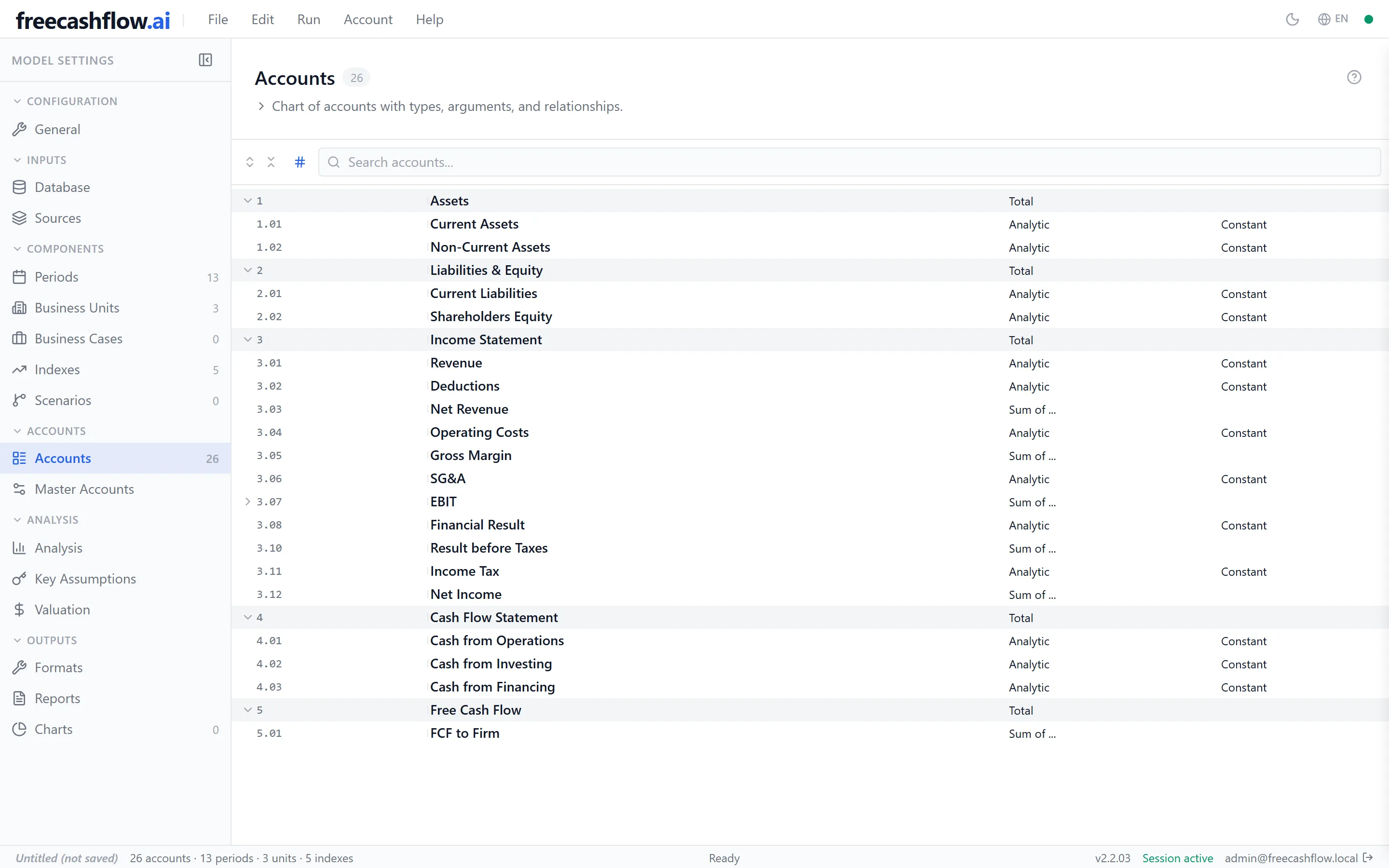
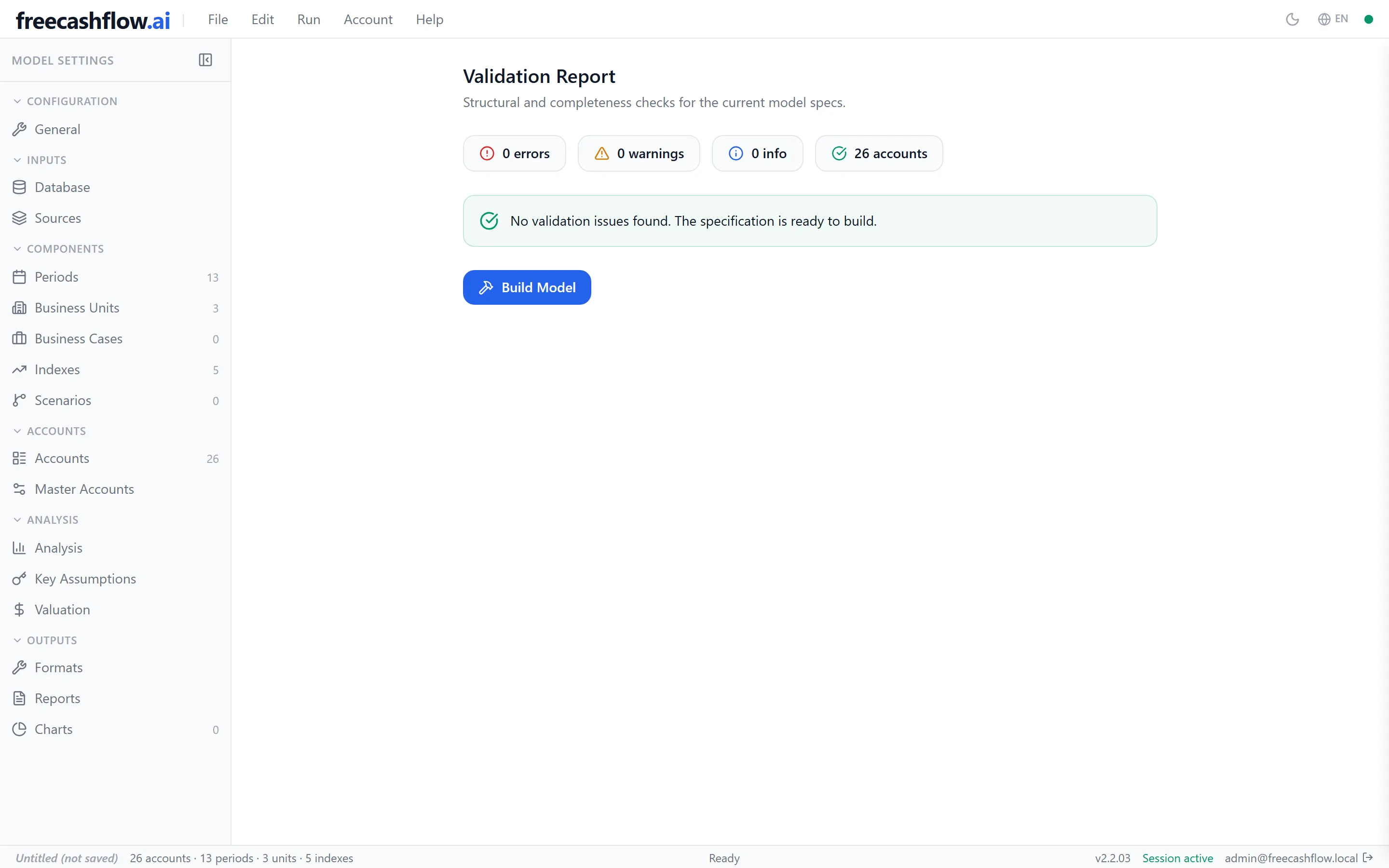
Whichever way you started, nothing is locked. Work through the model the way you would reason about it: the horizon and its periods; one entity or several units, and the cases that combine them; the economic assumptions and any alternative scenarios; then the chart of accounts — each line, how it is calculated, and how it rolls up into the statements; then your historical data; and finally what you want out of it: statements, key assumptions, a DCF valuation, reports and charts. Add, change or remove anything, in any order, as often as you like. When you are ready, the model is checked: real errors — a missing reference, an inconsistent setting — must be fixed first, and warnings are listed for you to judge.
- 3
3. Generate the workbook
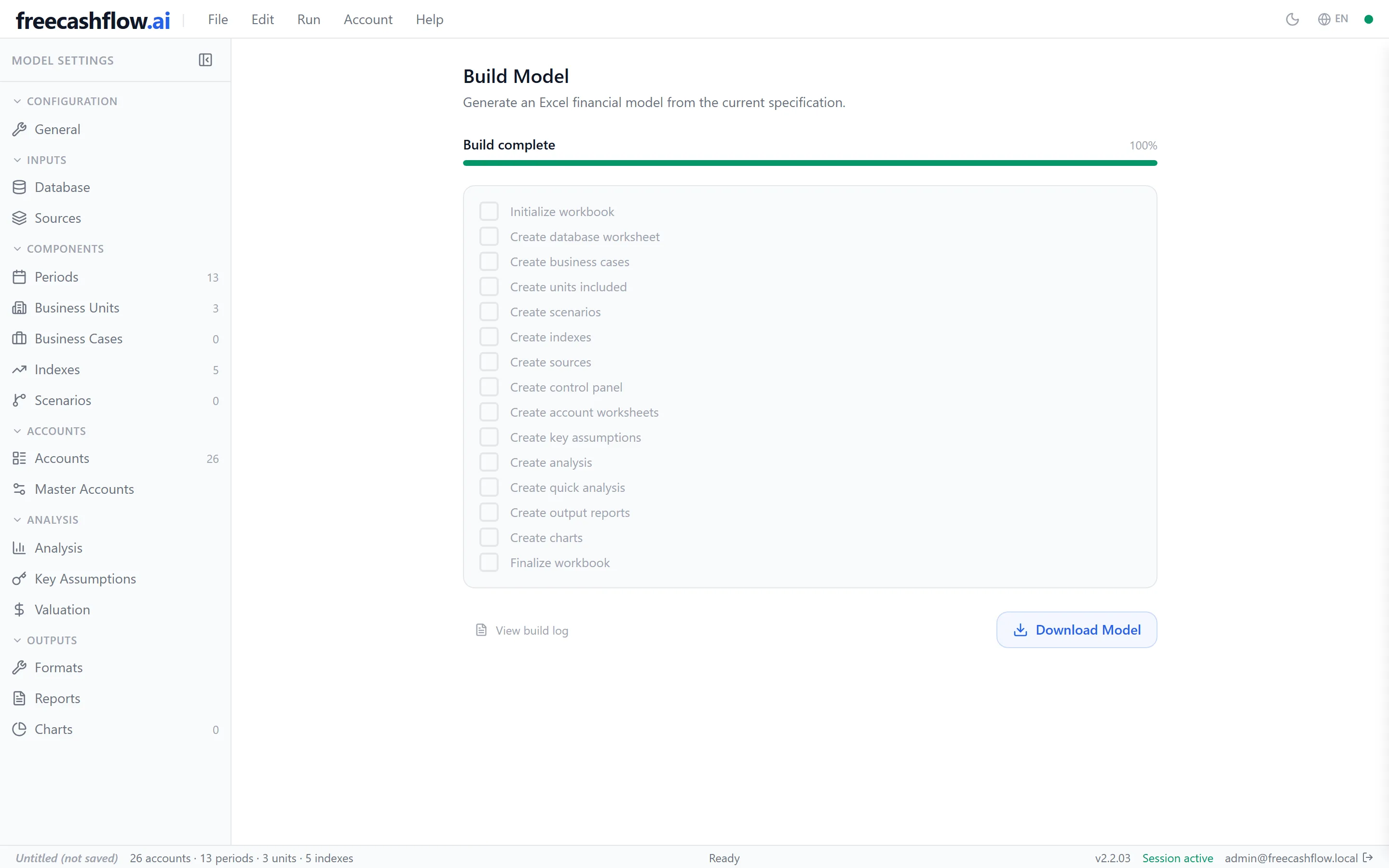
Generation runs on the server, queued, with progress and logs streaming live to the browser. A template-size model finishes in seconds; the time grows with the number of accounts, periods and units. If a run fails, the reason is in the log.
- 4
4. Take the file — and come back when you change your mind
The output is a multi-sheet .xlsx workbook. Open it in Excel, hand it to a colleague or an auditor, extend it — it is an ordinary file with your numbers in it. Keep the model itself as Excel or YAML, and when an assumption moves, adjust it and generate again.


Worth knowing
- The checks have to pass before generation starts — that is deliberate, so a broken model never becomes a workbook.
- Generation is queued; under load you wait for a slot rather than getting a failure.
- A generated workbook is a snapshot of the model at that moment — change the model and generate again.
- Your session holds one model at a time; save to Excel or YAML to keep versions side by side.